
How to Identify Bottlenecks with Process Mapping?
Efficient workflows are the lifeblood of a productive organization; however, bottlenecks can quietly sabotage even the best systems. When bottlenecks occur, it results in delays and increases costs, frustrating the teams. Process mapping offers a clear pathway to spotting and resolving workflow constraints- a technique that visually represents your workflows. This guide describes how process mapping can revamp your operations, use resources better, and drive greater efficiency.

Understanding Workflow Bottlenecks
What exactly are bottlenecks?
A bottleneck is the point of slowdown or halt in any given workflow caused by overconcentration at specific places. This leads to the slowing down of operations, which becomes a kind of “traffic jam.” Such congestion or obstructions can occur mainly due to scarcity, flawed processes, or less efficiency.
Different Types of Bottlenecks
Temporary Bottlenecks
- Immediate challenges arise due to abrupt fluctuations in the required work or the availability of necessary resources.
- For example, the number of customer inquiries can increase with a promotional campaign.
Chronic Bottlenecks
- Long-term issues are deeply rooted within the overall framework of the process structure.
- Consistently slow approval steps are caused by redundant manual processes that hinder efficiency and prolong the decision-making timeline.
Indicators of Bottlenecks
- The task is often delayed frequently.
- Notably, high error rates occur during specific stages of the process.
- Backlogs in workflow queues.
- Overloaded team members or equipment.
The Role of Process Mapping in Workflow Optimization
Why Process Mapping?
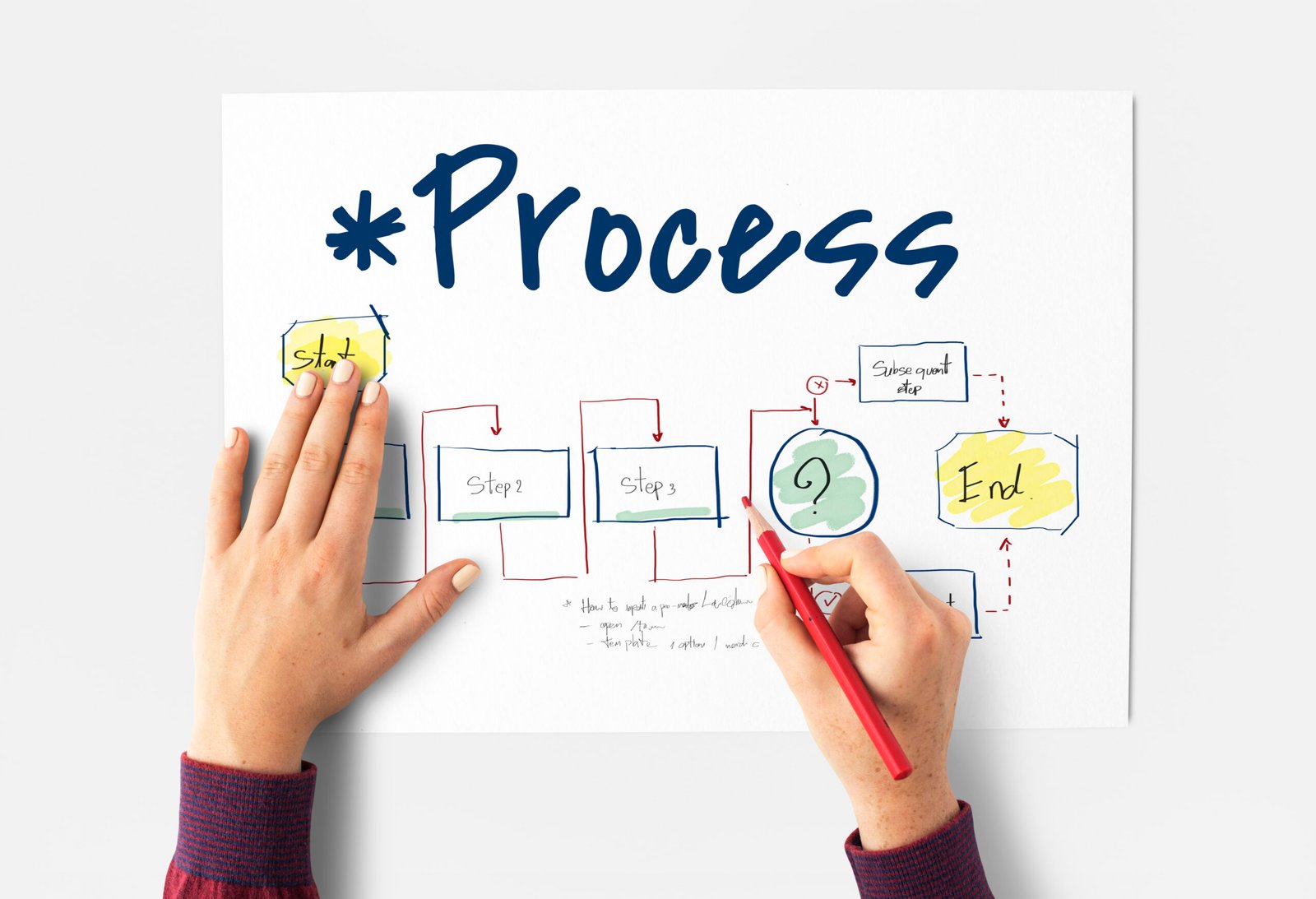
Process mapping helps visually represent the whole workflow, allowing for quick identification of inefficiencies. It provides clarity and emphasizes the improvements that can be made.
Key Benefits
- Recognizes and points out specific areas experiencing inefficiency or causing delays.
- Develops and fosters a collective understanding of the multiple workflows among stakeholders.
- It facilitates data-driven decision-making.
- It supports continuous improvement initiatives.
Workflow Issues Detected via Process Mapping
Unnecessary and redundant motions
Tasks have been duplicated unnecessarily, leading to much wasted time.
Inefficient Handovers
Excessive handovers between teams increase delays.
Resource Imbalances
Certain tasks are overwhelming for specific team members or certain machines.
Step-by-Step Guide To Process Mapping Tutorial
Step 1: Clearly articulate and define your objectives
Clearly define what you want to achieve with the process map. Examples include reducing delays, cutting costs, or improving customer satisfaction.
Step 2: Collect and Assemble Relevant Data
All the workflow steps should be documented, indicating the duration of each task, dependencies, inputs, and outputs.
Step 3: Choose Your Tools
Create clear, interactive process maps using digital tools like Lucidchart, Miro, or Microsoft Visio.
Step 4: Create a Detailed Process Map.
Depict the workflow using symbols like boxes to indicate tasks and diamonds for the decision points.
Step 5: Validate with Stakeholders
Make it accessible to all the members of the team so that they can confirm its authenticity and provide valuable insights as well.
Step 6: Make a Deep Analysis to Spot Bottlenecks.
Look for patterns such as excessive waiting times, high error rates, or unbalanced workload.

Detecting Bottlenecks: Key Indicators
1. Prolonged periods to finish the task
Those activities that have a long time to finish.
2. Queue Backlogs Accumulation
Steps in the process where tasks accumulate, creating delays.
3. Revision and Error
Sometimes, specific points of the process must be corrected or redone more than once.
4. Resource Shortages
Overburdened team members or equipment that delays the task completion.
Case Studies: Process Mapping in Action
Case Study 1: Issues and Challenges Regarding Manufacturing Delays
A manufacturing company did a process mapping to address the delay experienced on an assembly line. The result was that inefficiency in inventory management accounted for 25% less time spent in downtime.
Case Study 2: An In-Depth Exploration of Healthcare Administration
A hospital experiencing longer-than-acceptable patient discharge times undertook a proper investigation and found that many unnecessary steps were embedded within the approval process. By removing these unnecessary steps, the hospital successfully streamlined the process and reduced the discharge times by an impressive 30%.
Case Study 3: An In-Depth Analysis of the Retail Supply Chain
An e-commerce retailer experienced delayed delivery. Process mapping helped identify bottlenecks in the order packaging stage, and automating that stage decreased shipping times by 40%.
Checklist for Bottleneck Identification
1. Wholeness
Have all workflow steps been recorded?
2. Measurements
Does the schedule contain information on task durations, dependencies, and outputs?
3. Data Validation
Have the team members established the validity and accuracy of the map being referred to?
4. Clarity of the Visual
Are bottlenecks explicitly and understandably displayed in the graphic display of the process map?
5. Actionable and Pragmatic Insights
Are the identified bottlenecks actionable and supported by specific, clear recommendations?
Tools for Bottleneck Detection
1. Lucidchart
Features: Drag-and-drop interface, cloud-based collaboration.
Ideal For: Beginners and team workflows.
2. Microsoft Visio
Features: Advanced analytics and detailed visualizations.
Ideal For: Enterprise-level process mapping.
3. Miro
Features: Real-time collaboration integration with project management tools.
Best for: Agile Team.
4. Creately
Ready-to-use templates and automation for workflow.
Ideal For: Small businesses.
5. Process Street
Features: Task automation and pre-built checklists.
Ideal For: Workflow management.
Expert Insights on Identifying Bottlenecks
John Doe, Process Improvement Specialist
“Bottlenecks in workflows are often hidden in plain sight, astonishingly enough. Process mapping is a useful activity that enables you to visualize workflows of all kinds and pinpoint exactly where inefficiencies may lurk that data alone could not possibly reveal.”
Sarah Smith, Operations Manager
“Updating process maps regularly is essential for maintaining efficiency and effectiveness. What may have been a successful workflow six months ago might not be sufficient to meet the demands and challenges of today’s environment.”
Emily Brown, Data Analyst
“One can get a holistic view of the bottlenecks present in the system by integrating process mapping with various performance metrics such as cycle time and throughput.”
Improving Workflows with Process Mapping
1. Automation of Repetitive Jobs
Use tools like Process Street to reduce the extent of human interventions required.
2. Remove Unnecessary Repetitions and Redundant Elements
Identify and systematically eliminate any unnecessary steps that may be causing slow-downs in workflows.
3. Re-assign Available Resources
Allocate additional resources to the overloaded workflow tasks.
FAQs Regarding Workflow Bottlenecks
What are the key causes of workflow bottlenecks arising in a process?
The presence of limited resources with inefficient processes and ineffective communication practices creates excellent challenges.
In what ways does process mapping provide help?
It offers a detailed and precise visualization of workflows, making it significantly easier to identify and address any inefficiencies.
Which tools are used for the identification of bottlenecks?
Lucidchart and Microsoft Visio share a common aspect, including ease of interface, even for advanced features.
How often should workflows be taken through a proper review process?
It is strongly recommended that reviews be held at least every six months or whenever there are significant changes.
Can all bottlenecks be eliminated?
Since many bottlenecks cannot be entirely removed, process mapping ensures that their negative influence on processes will be minimized.
Conclusion
Process mapping is an invaluable instrument for identifying and eliminating bottlenecks in workflows. Visualizing processes, using advanced instruments, and involving stakeholders improves operations, saves time, and boosts productivity. An organization that is agile in its response to new tasks and has regular updates coupled with actionable insights will be capable of responding to new bottlenecks as they evolve.
TechQwaz is your go-to platform for the latest insights on technology, innovation, and personal branding. Learn more about our mission on our About Us page, or reach out to us through our Contact page. Stay connected and updated by following us on Instagram, Twitter (X), and explore more valuable content on our Blogspot. Keep exploring, keep growing!
Leave feedback about this