
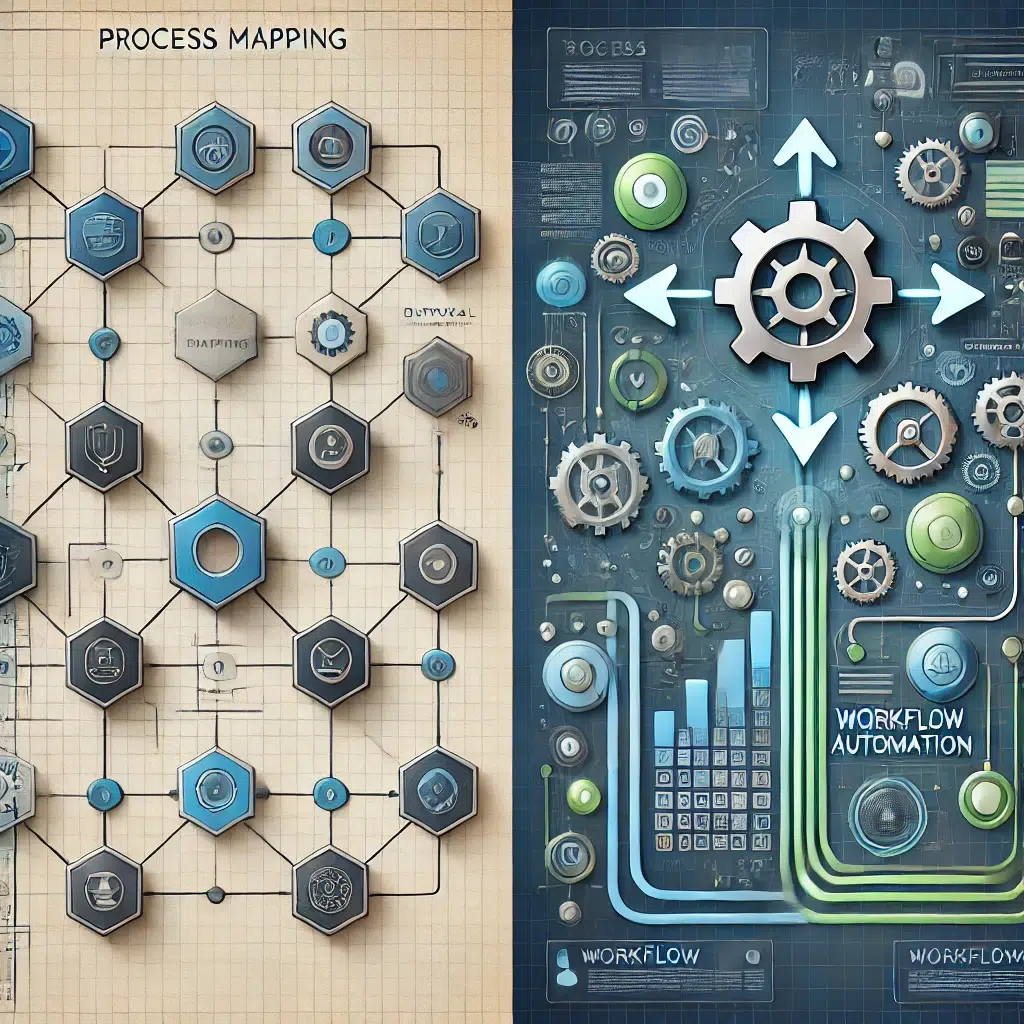
Process Mapping vs. Workflow Automation: What’s the Difference?
In the fast-paced business world, efficiency is everything. Process mapping and workflow automation are two of the most critical tools for organizations seeking to improve their operations. While these two are often used interchangeably, they serve very different purposes. In this ultimate guide, you will learn process mapping vs workflow automation, its features, benefits, use cases, and how these can cooperate for significant gains.

What is Process Mapping?
Process mapping is a visual representation of a business process. It explains the process from A to Z, including inputs and outputs, decision points, and who is responsible. You can think of it as a blueprint of how work gets done. There are a few different types of process maps:
- Flowcharts: Basic diagrams that use symbols to show steps and decisions.
- Swimlane Diagrams: Highlight responsibilities and interactions between departments or roles.
- Value Stream Maps: Let you focus on the most critical job — find and eliminate waste from a process.
Benefits of Process Mapping
- Clarity: Gives a broad and clear perspective to complicated and complex processes, which makes it easier to analyze each one involved.
- Identification of Bottlenecks: Contributes significantly to identifying countless waste elements, redundancies, and workflow improvement opportunities.
- Improved Communication: An excellent tool that assists in reaching out for communication and enhancing thorough communication among all the parties involved.
- Uniformity: Promotes uniformity correctly while never failing to stay true to the timeless best practices.
- Ground for Automation: The first step in building the foundation is to create it before any workflow automation is introduced in the organization.
What is Workflow Automation?
Workflow automation involves automating recurring tasks and processes using software technologies and streams. It improves user efficiency by eliminating manual efforts. It also means executing predefined actions and rules with software or systems and triggering events when specific conditions are satisfied.
Advantages of Workflow Automation:
- Better Efficiency: It saves employees’ manual efforts to perform less strategic tasks.
- Minimized Errors: It cuts down human errors and maintains consistency.
- Faster Execution: It speeds processes and reduces cycle times.
- More substantial Compliance: It promotes adherence to regulations and policies.
- Greater Visibility: Offers visibility into how processes are performing in real-time.
Process Mapping Vs. Workflow Automation
Feature | Process Mapping | Workflow Automation |
Purpose | Visualize and analyze a process | Automate and execute a process |
Focus | Understanding the “what” and “why” of a process | Implementing the “how” of a process |
Output | Visual diagram or documentation | Automated execution of tasks and actions |
Technology | Often uses visual tools, but can be manual | It relies on software and technology |
Implementation | Generally, a one-time activity or periodic review | Ongoing and continuous execution |
Change Agent | Human analysis and intervention | Software and pre-defined rules |
Infographic example: An infographic comparing and contrasting these differences would be practical.
Process Mapping Workflow Comparison
Workflow automation is built on process mapping. You can’t automate what you don’t know. Mapping clarifies the process steps that require human touch when automation matures.
Case Studies Process Mapping vs. Workflow Automation:
Case Study 1: From Process Mapping to Workflow Automation
Using a systematic approach, a company reviewed its invoice processing workflow, mapping the complete process and identifying significant bottlenecks mainly due to manual data entry tasks.
When this traditional method is inefficient, they use up-to-date OCR software to automate data capturing. This measure significantly reduces the time required for invoice processing and the frequency of errors.
Case Study 2: Workflow Automation without Proper Mapping
A company automates its customer onboarding process without mapping it. This makes the process unclear and inefficient, failing to serve its customers’ needs.
Checklist Process Mapping Workflow (Combined Checklist)
- Define the scope of the process.
- Identify all stakeholders.
- Ask for details of the current process
- Create a visual map of the process
- Examine the map for inefficiencies.
- Identify opportunities for automation.
- Choose suitable automation tools.
- Implement and test the automated workflow.
- Monitor kinks in automated workflows.

Expert Tips Process Mapping vs. Workflow
- Small Steps: Do not try to map and streamline everything simultaneously. Instead, focus on the processes that can be improved most.
- Engage the Stakeholders: Work with stakeholders to ensure the accuracy of your process model and their commitment to it.
- Proper tools: Use mapping and automation tools that fit your needs and cost.
- Measure outcomes: Monitor relevant metrics to determine whether your efforts are working.
- Don’t automate a broken process: Improve it first, then automate it. This also means automating a destructive process just makes a flawed process faster.
Tutorial Process Mapping Workflow Automation (Combined Approach)
- Map the “As-Is” Process — Document the current condition of the process in a flowchart or swimlane diagram.
- Analyze the Map: Identify bottlenecks, redundancies, and areas for improvement.
- To-Be Process: Create a new process based on the desired changes and incorporate your automation opportunities.
- Automate: Implement a workflow automation software to implement the “To-Be” process
- Test and Monitor: Thoroughly test the automated workflow and track its performance.
Benefits Process Mapping Workflow (Combined Benefits)
Organizations can achieve the following benefits by integrating process mapping and workflow automation:
- Significant cost savings
- Increased productivity
- Reduced errors
- Better customer satisfaction
- Enhanced compliance
Mapping vs. Automation: Choosing the Right Approach
Process mapping and workflow automation are like peanut butter and jelly. Separate processes complement each other to achieve maximum organizational productivity. Both methods support each other as tools; combining them is the best way to achieve optimal effect. Process mapping is the fundamental basis of effective automation.
FAQs Regarding Process Mapping vs. Workflow Automation
Can I skip process mapping and go right to automation?
You can skip mapping processes and go directly to the automation phase. And even that is not recommended because automating a process you don’t understand makes things more inefficient and complicated.
What tools can I use for process mapping?
Process mapping uses several tools, some of the most common of which are Microsoft Visio, Lucidchart, and Draw. Io.
What specific tools do you have to automate your workflow?
Zapier, UiPath, and Microsoft Power Automate are the most popular and widespread. Each has unique features and capabilities to accomplish a workflow automation process effectively.
Conclusion
Understanding these differences and underlying objectives between process mapping and workflow automation and leveraging it more knowledgeably at relevant strategic landscapes can lead to considerable improvements in efficiency and productivity for any organization.
It leads to a systematic review of two progeny under which we could parse these concepts, helping us better understand them and providing a yardstick for their correct execution in innumerable organizational scenarios.
TechQwaz is your go-to platform for the latest insights on technology, innovation, and personal branding. Learn more about our mission on our About Us page, or reach out to us through our Contact page. Stay connected and updated by following us on Instagram, Twitter (X), and explore more valuable content on our Blogspot. Keep exploring, keep growing!
Leave feedback about this